 Crop Tracker
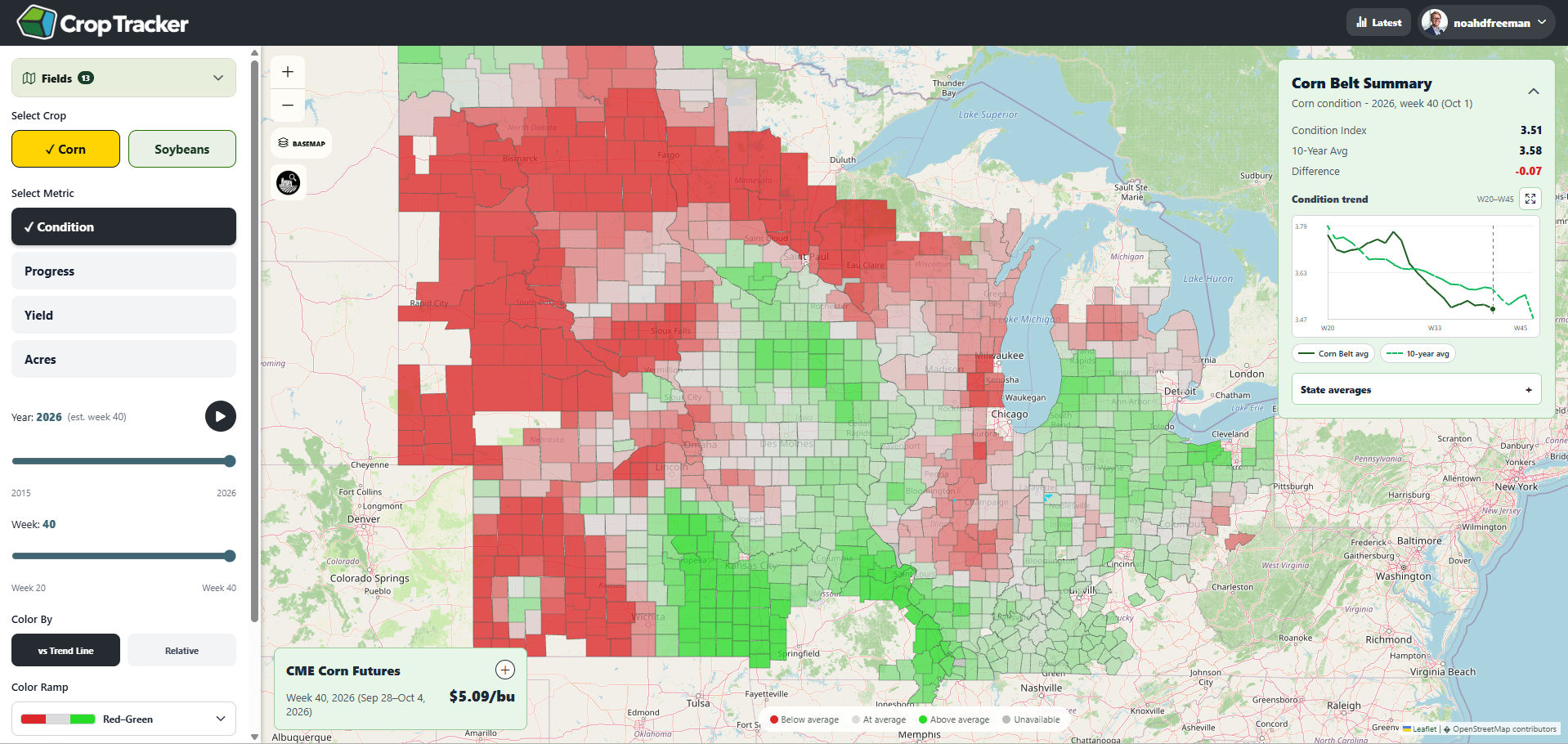
Progress and condition answer different questions
Progress describes how much of a crop has reached a reported stage, such as planting or harvest. Condition describes the distribution across reported condition categories. Neither one, by itself, establishes a field’s final yield.
Match the date, crop, and geography
In Crop Tracker, select the crop and metric, then check the reporting week and area. Compare the same stage and geography across years. Published state and regional summaries should not be described as direct observations of an individual field or county.
A practical comparison
Suppose a selected area is ahead of its usual planting pace while its condition distribution is less favorable. Those statements can both be true: one describes development timing and the other describes reported condition. Review the underlying categories and dates before drawing a conclusion about production.
Carry the source into your analysis
Preserve the report date, geographic level, units, and observation or estimate labels when quoting or exporting a result. Missing data is not zero. Review the application’s current release metadata rather than assuming that today’s date is the latest report date.